Creative studio for iPad & iPhone

Where every scene
becomes genius.

Scenius is a professional painting, animation and AI-generation studio. Sketch with pro brushes, animate frame by frame, and conjure whole new worlds with AI — all on one infinite canvas.

  • Metal engine
  • Apple Pencil
  • AI generate & video
  • Frame-by-frame
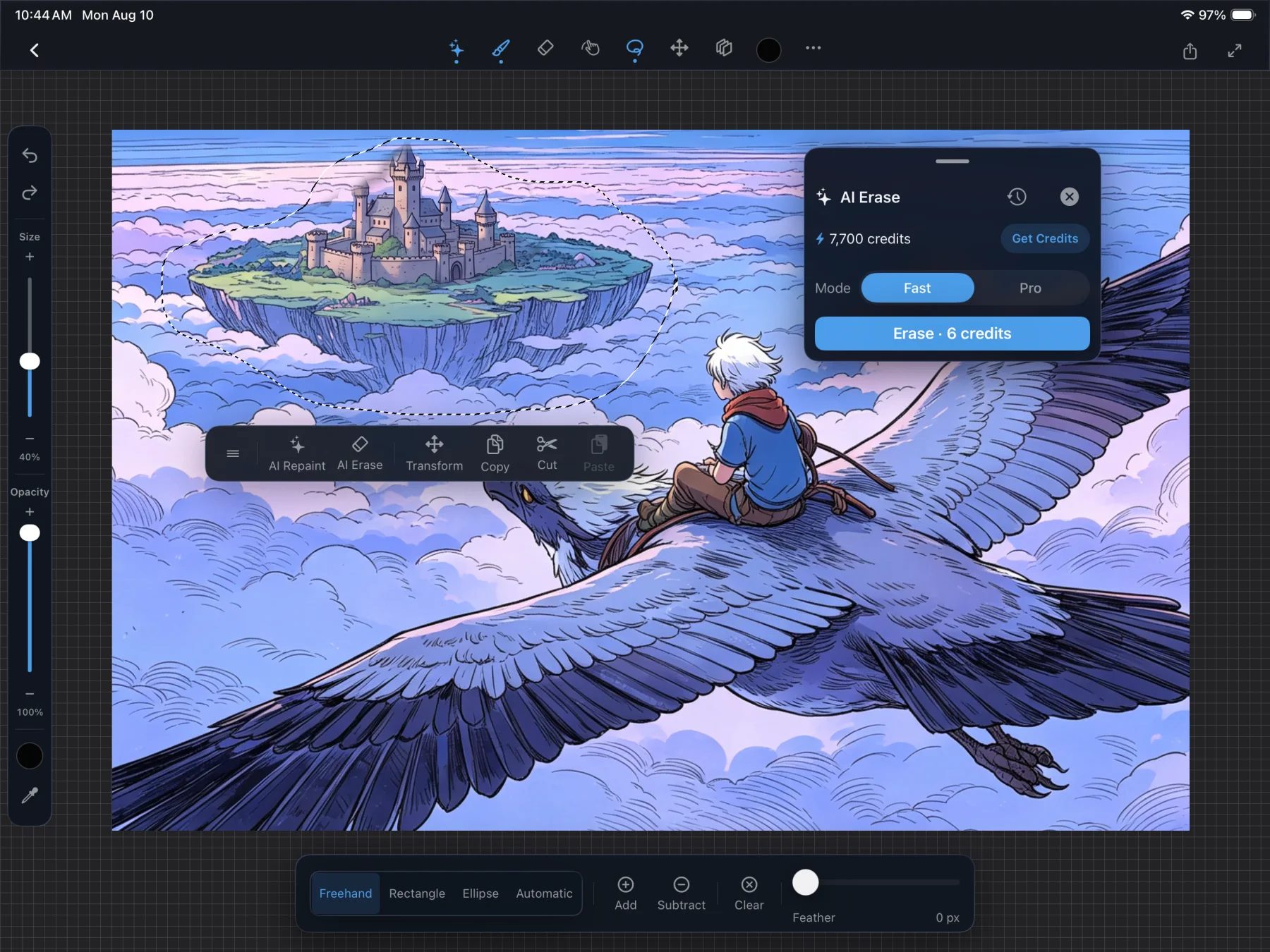
Scenius on iPad: the AI Generate panel selecting a region of a fantasy illustration of a boy riding a giant bird, generating 'a castle' with Nano Banana Pro.
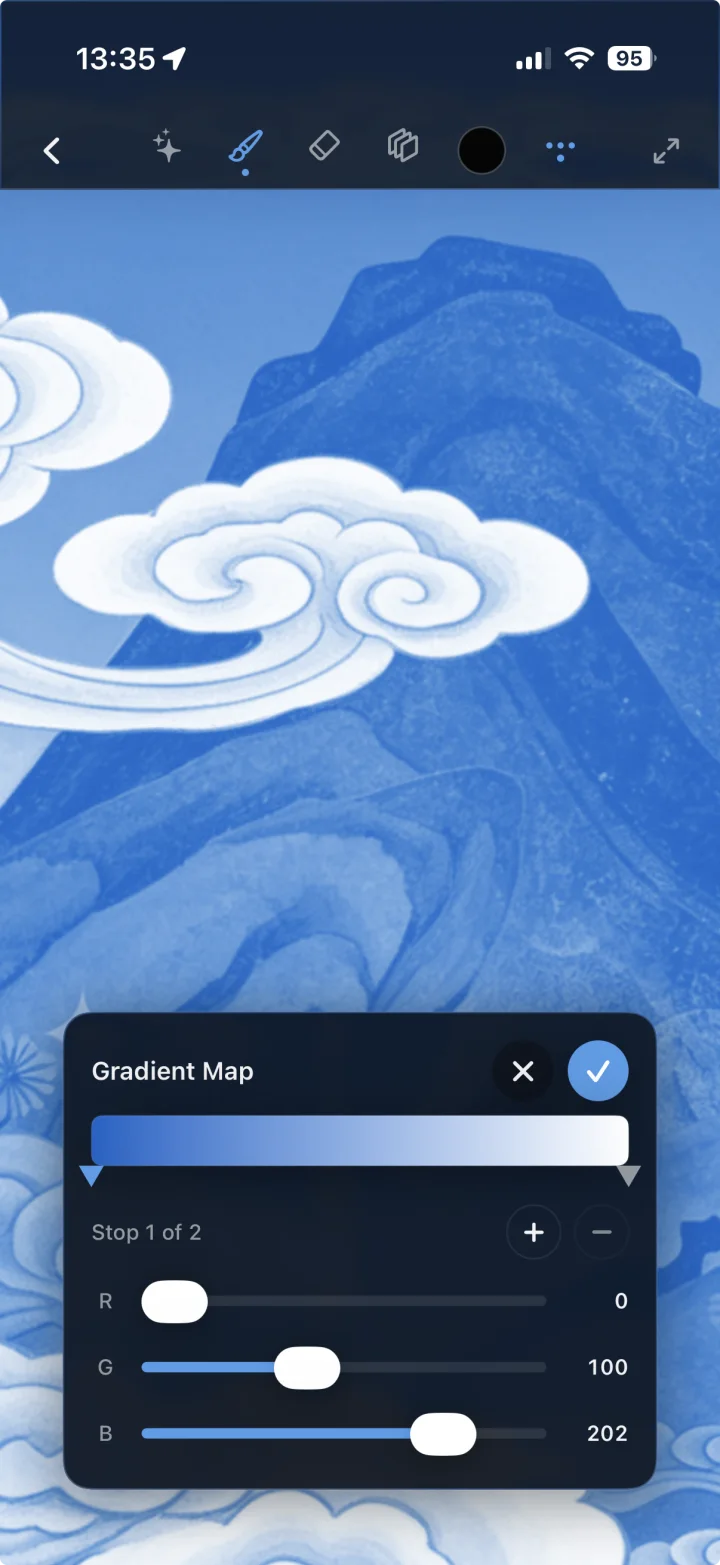
Scenius on iPhone: the color disc open over an anime-style portrait illustration.

Made, start to finish, in Scenius

Fantasy illustration of a child riding a great bird above a floating island. Anime-style portrait of a traveler by a mountain stream. Impressionist oil painting of a woman in a white dress in a sunlit meadow. Vibrant surreal landscape of layered coloured mountains and clouds. Detailed illustration of a boy on a bird gazing at a floating island. Painterly scene of a figure on a grand staircase amid blossoms. Sunlit study of a figure in flowing white fabric.

Scenius is one canvas for everything — a Procreate-class painting and animation studio with generative AI built right in. Draw the idea, animate the motion, and let AI fill in the worlds you can imagine but haven't the hours to render.

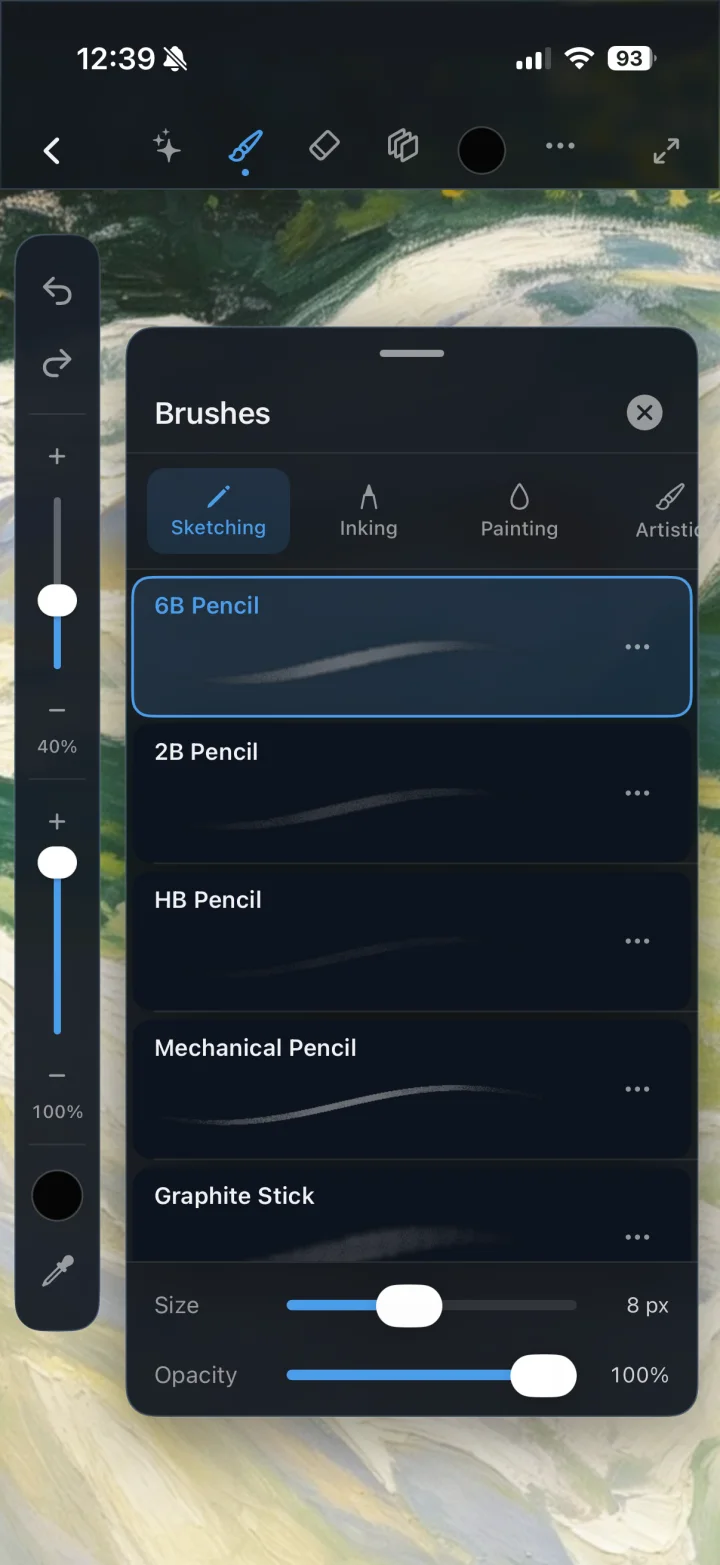
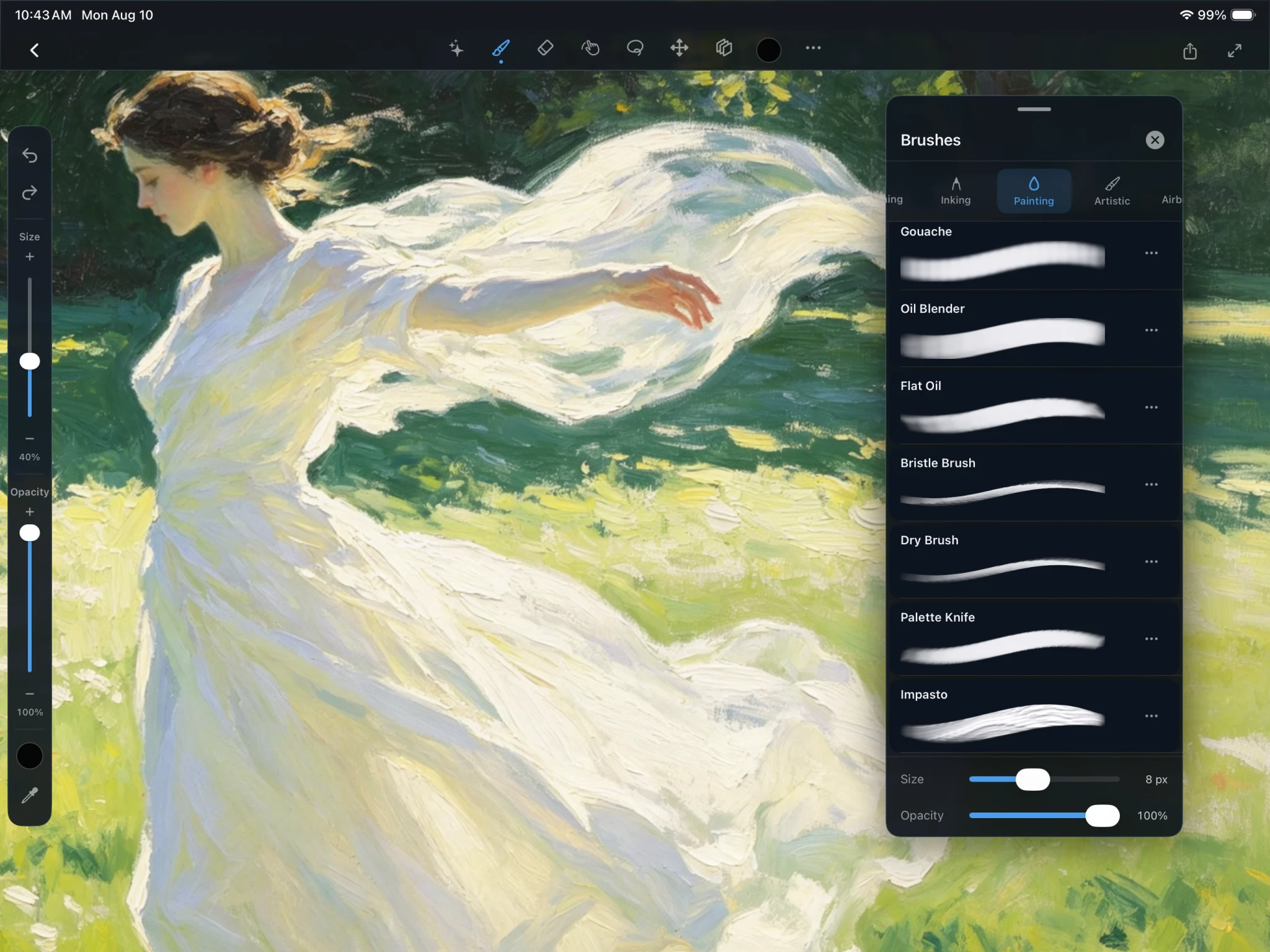
Scenius brush studio on iPad showing the 6B Pencil selection with Technical Pen, Fineliner, Gel Pen and Studio Pen, over a pastel Ghibli-style garden illustration.
01 — Draw

A canvas that feels like paper.

A Metal-accelerated brush engine renders every stroke at fluid frame rates. Pencils, inkers, gels and painterly brushes respond to pressure, tilt and velocity with full Apple Pencil support — so a line feels like your line.

  • Pressure & tilt dynamics
  • Size, opacity & advanced controls
  • Zero-lag, high-resolution canvas
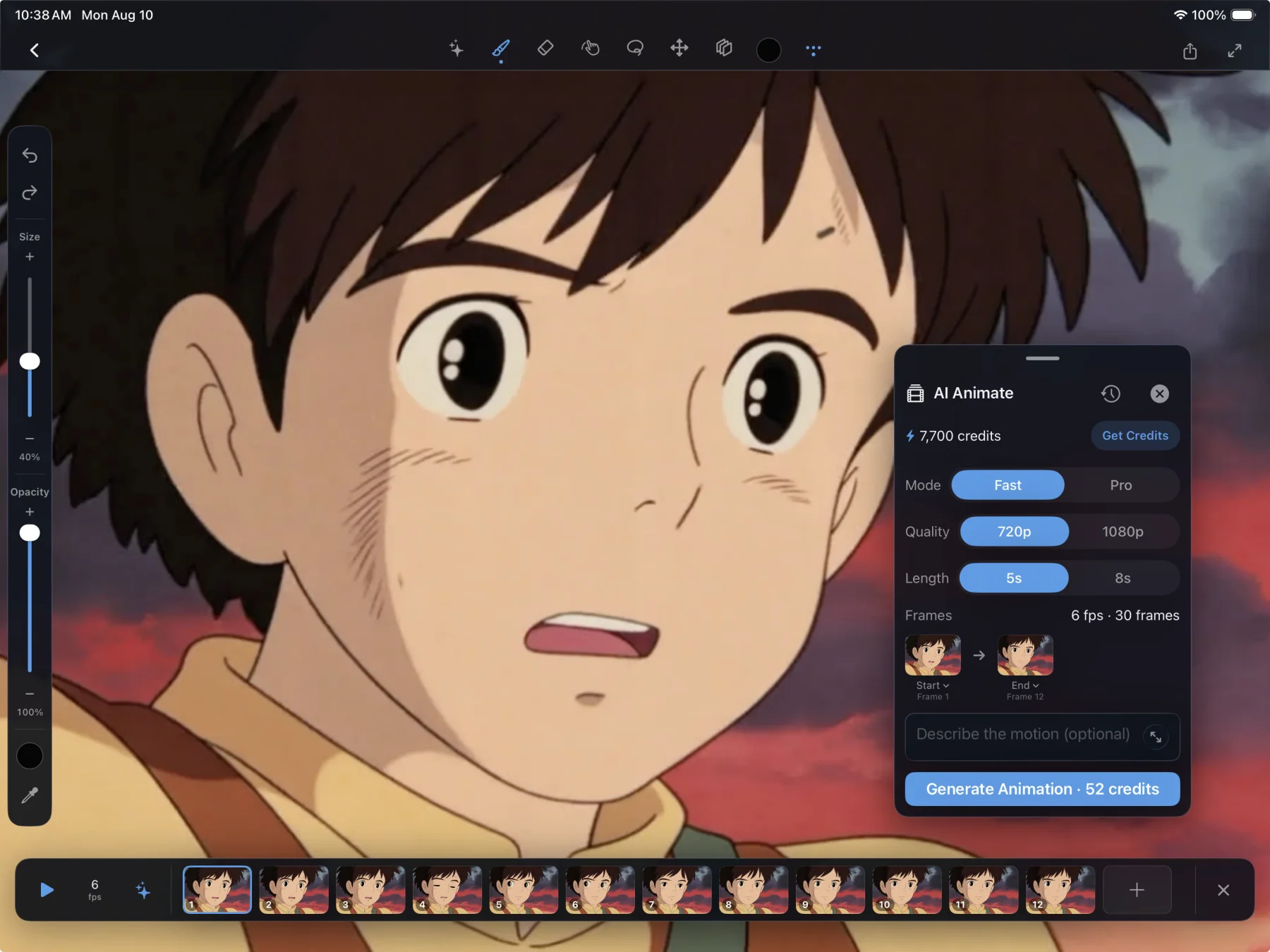
Scenius animation timeline on iPad: twelve frames of an anime boy along the bottom filmstrip at 12 fps with onion skinning.
02 — Animate

Bring it to life, frame by frame.

A full animation timeline lives inside your artwork. Draw each frame with onion-skinning to guide you, set your frame rate, and press play. What starts as a sketch becomes motion.

  • Frame-by-frame timeline
  • Onion skinning
  • Adjustable frame rate
Scenius AI Generate panel on iPad: a lassoed region of sky above a floating island, prompt 'A castle', model Nano Banana Pro, Smart blend, generating.
03 — Imagine

Generate with AI — inside your selection.

Lasso any region, describe what belongs there, and let world-class models paint it in. Smart blend feathers the result into your existing art so it looks like it was always there. Not a whole new image — the exact piece you asked for, in the exact place you drew.

  • Selection-scoped generation
  • Multiple state-of-the-art models
  • Smart, Edge & Whole blend modes
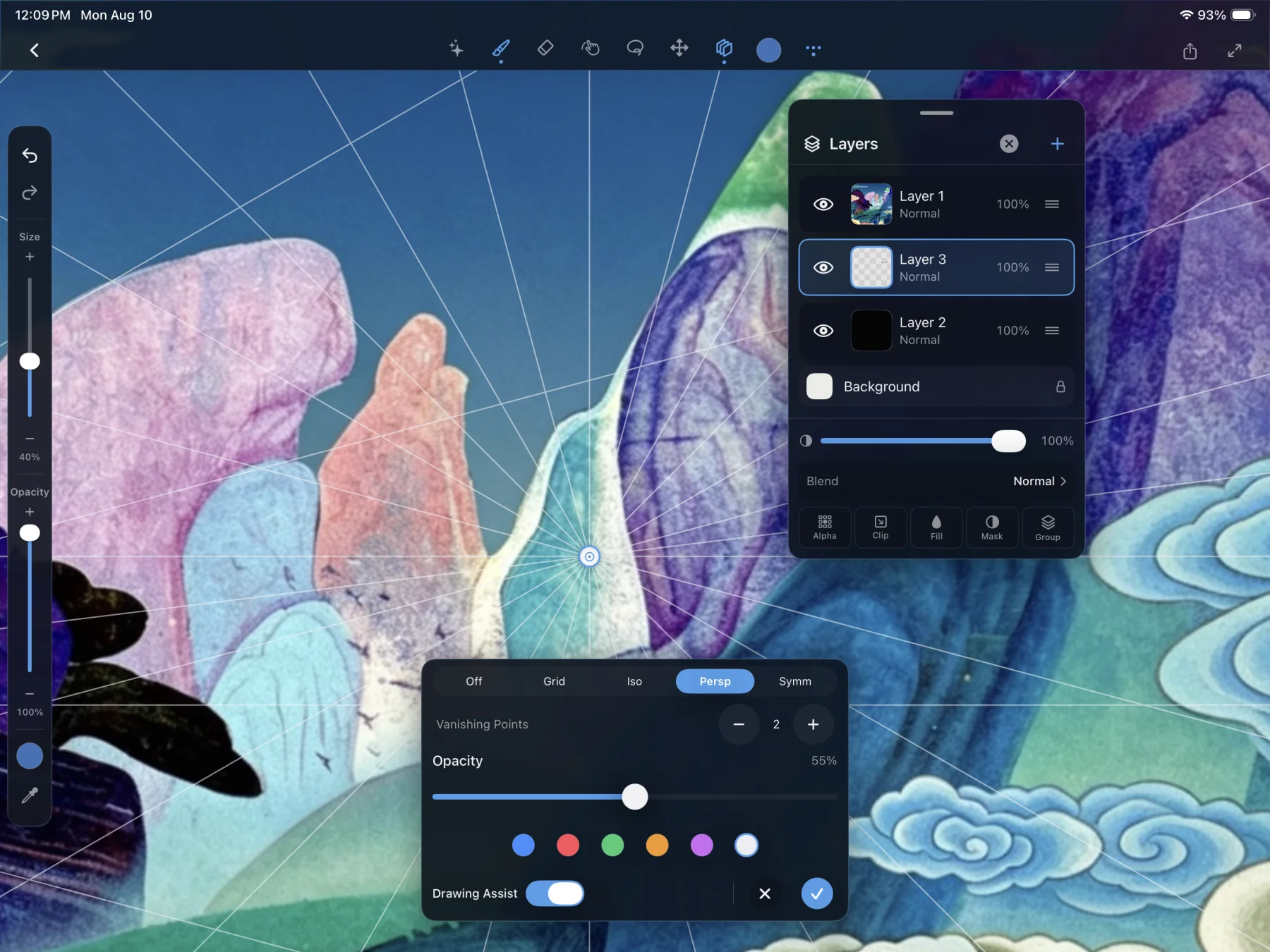
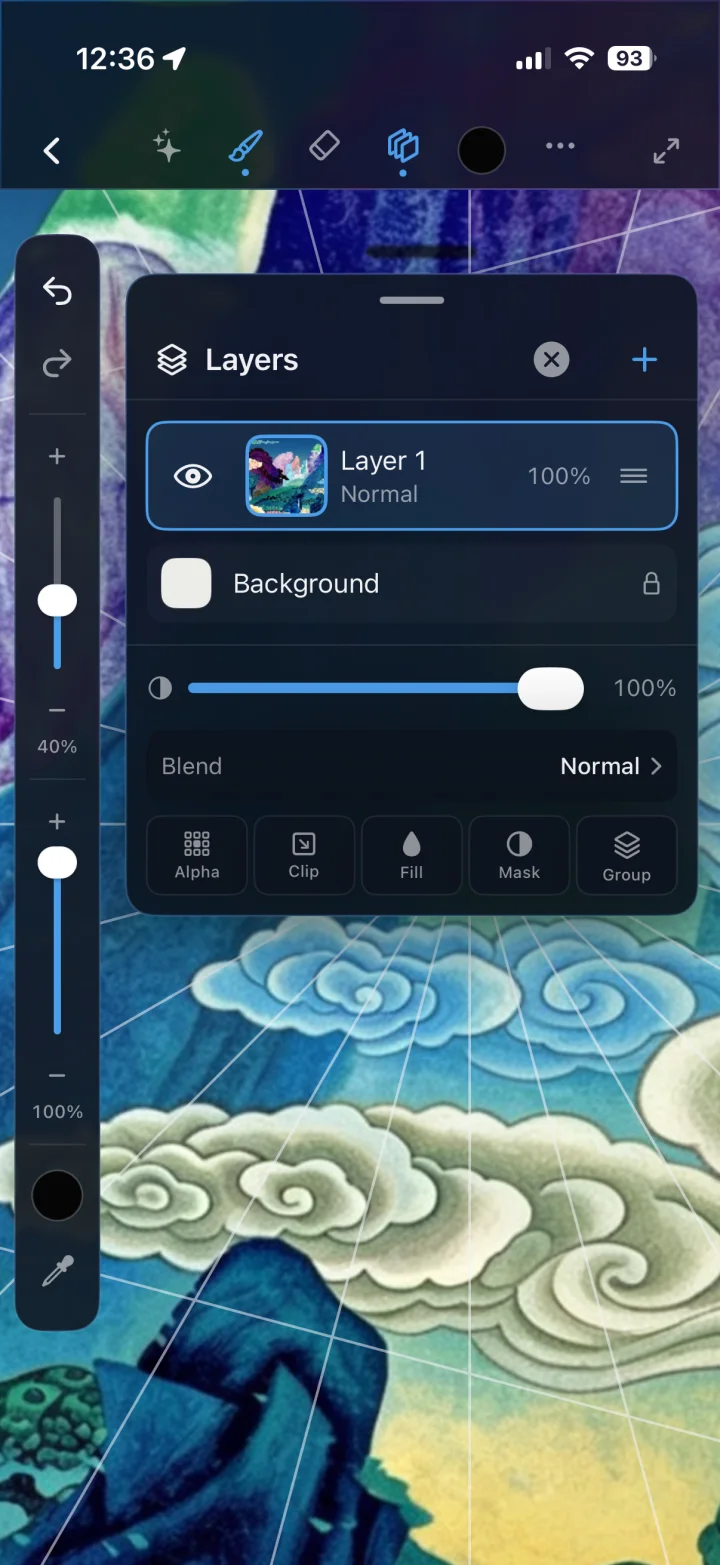
Scenius layers panel on iPad over an impressionist painting, showing five layers with opacity and Normal, Multiply and Screen blend modes.
04 — Compose

Layers, blend modes, total control.

Stack your work in layers, reorder with a drag, dial opacity, and blend with Normal, Multiply and Screen. Build depth the way professional artists do — non-destructively, one idea at a time.

  • Reorderable layers
  • Blend modes & opacity
  • Background & visibility control
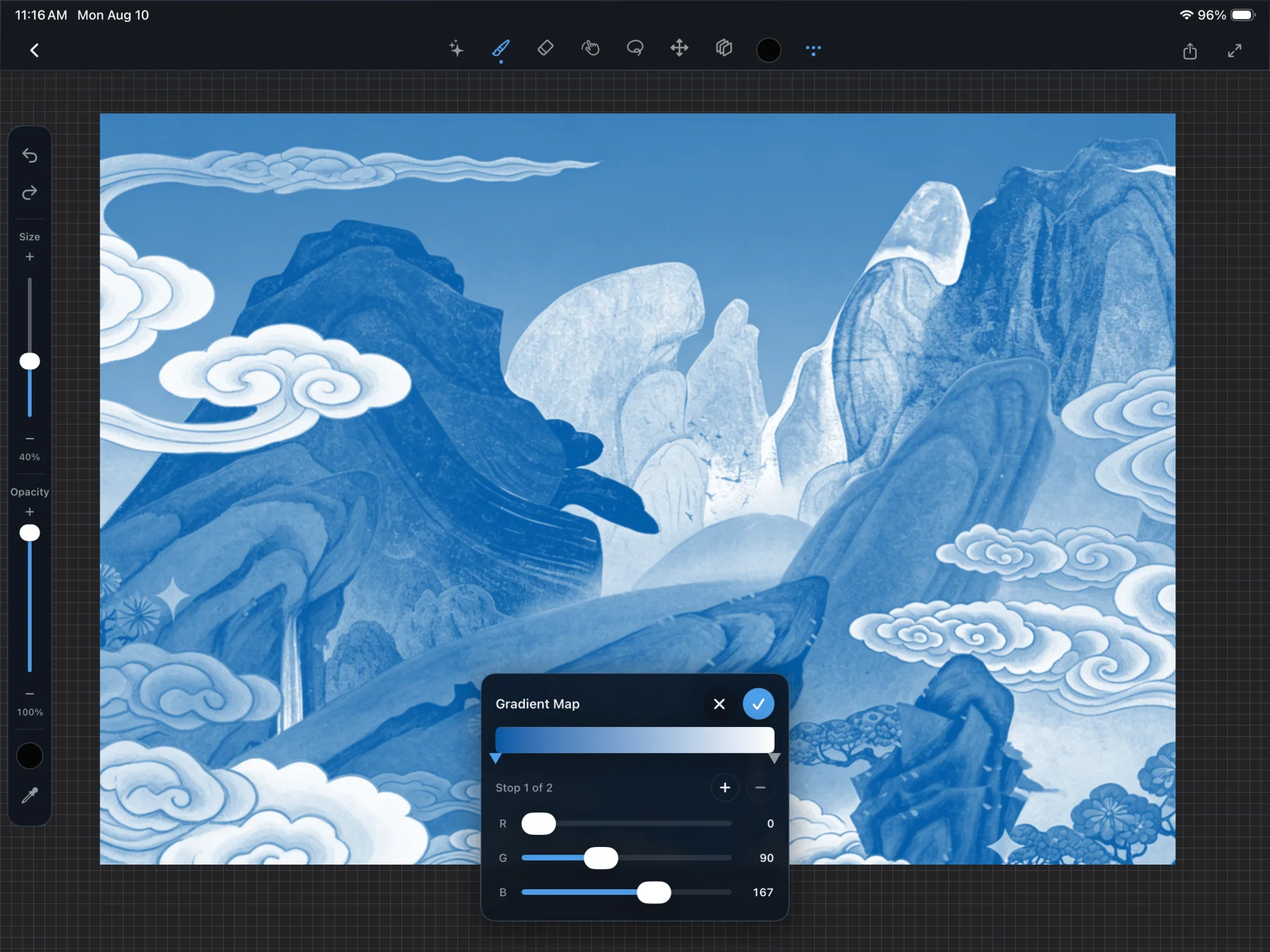
Scenius on iPad using the eyedropper with a live hex readout of 3A7A9E over a vivid surreal mountain landscape.
05 — Color

Color, dialed in exactly.

Pick with the disc, refine with sliders, save to palettes, and sample anything on the canvas with a precise eyedropper and live hex readout. The right color is always one gesture away.

  • Disc, sliders & palettes
  • Eyedropper with hex values
  • Recent colors at hand

Everything in one canvas.

No app-hopping. Draw, animate, generate, and ship — without ever leaving your artwork.

AI video

Turn a still frame into motion. Describe the movement and let Scenius generate a short video clip from your art.

Selection tools

Freehand, rectangle and ellipse lassos with add, subtract and clear.

Import & export

Bring in photos, export PNG or JPEG, and save editable .scenius projects.

iPad & iPhone

A layout tuned for the big canvas and one that fits in your pocket.

Gallery

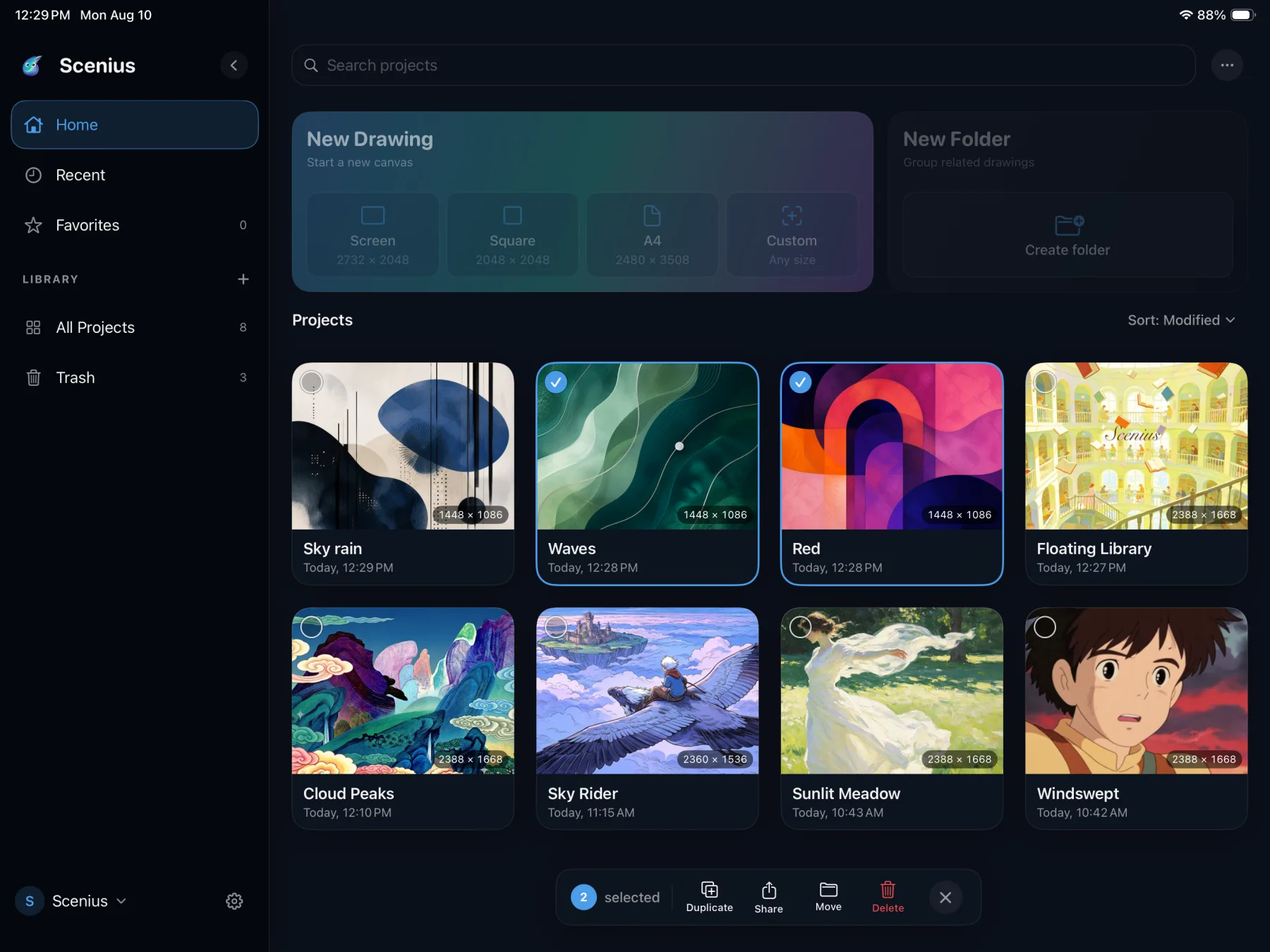
Every piece organized, searchable and one tap from where you left off.

On-device first

Your artwork lives on your device. Only the region you choose to generate is ever sent for AI processing — nothing else leaves the canvas.

Also on iPhone

The whole studio, in your pocket.

Scenius isn't a stripped-down companion. The brushes, layers, color tools and AI generation all come with you — reflowed into a compact interface built for one hand and a stray moment of inspiration.

Get it on iPhone
Scenius on iPhone: eyedropper sampling color 32739C over a colorful surreal mountain landscape.
Scenius gallery on iPhone showing a grid of imported and created artworks.

Start free. Create without limits.

Painting, animation, layers and export are free, forever. AI generation runs on credits — subscribe for a monthly refill, or top up whenever inspiration strikes.

Studio

Free

Everything you need to create.

  • Full brush & painting engine
  • Frame-by-frame animation
  • Layers & blend modes
  • Pro color tools
  • Import & export
Download free

Credit packs

$2.99+

Top up anytime — no subscription.

  • 100 credits — $2.99
  • 300 credits — $7.99
  • 1,000 credits — $19.99
  • Credits never expire
  • Use across all models
Buy credits

Prices shown in USD and may vary by region. Credit costs per generation depend on the model and image size.

Frequently asked questions

Everything you might want to know before you open the canvas.

What is Scenius?

Scenius is a professional art studio for iPad and iPhone. It combines a Metal-accelerated painting engine, frame-by-frame animation, layers with blend modes, professional color tools, and built-in AI image and video generation — all on one infinite canvas.

What devices does Scenius support?

Scenius runs on iPad and iPhone (iPadOS and iOS 17 or later) and supports Apple Pencil with pressure and tilt. The interface adapts to both large iPad canvases and compact iPhone layouts.

Is Scenius free?

Yes. Painting, animation, layers, color tools and export are free to use. AI image and video generation use credits, which you can get with a Scenius Pro subscription or by buying credit packs.

How is Scenius different from Procreate?

Scenius delivers a Procreate-class painting and animation experience, then adds generative AI directly into the canvas. You can lasso any region, describe it in words, and let world-class models paint it in with Smart blend — plus generate AI video from your art. It also runs on both iPad and iPhone.

Can I generate AI art inside a selection?

Yes. Scenius offers selection-scoped generation: use the freehand, rectangle or ellipse lasso to select a region, type a prompt, and the AI paints only inside that area. Smart blend feathers the result into the surrounding artwork so it looks seamless.

Which AI models does Scenius use?

Scenius uses a roster of state-of-the-art image models — including Nano Banana Pro — for selection-aware image generation, plus a video model for turning stills into motion. The roster is updated over time, and you can choose a model per generation.

Can I animate in Scenius?

Yes. Scenius has a built-in frame-by-frame animation timeline with onion skinning and an adjustable frame rate, so you can bring your drawings to life and export them as animation.

Can I export my work from Scenius?

Yes. You can export flattened images as PNG or JPEG and save fully editable projects as .scenius document packages that preserve your layers and settings.

Your next masterpiece is one tap away.

Download Scenius and turn the scene in your head into something the world can see.